- Mane
- Styles
- Hair colors
- Orange
The color card shows the catalog shade. Your result depends on your current hair color and texture.
Orange hair color
A bright, vivid, energetic orange. One step beyond copper in warmth and daring. It looks powerful in photos and turns heads, so seeing it first makes the decision easier.
- HEX
- #FF7A2F
- Tone family
- Warm tones · orange
- Lightening
- Heavy bleaching
- Upkeep
- Very high
- Similar shades
- Copper, Auburn, Honey Blonde
- Apply to beard
- One tap in the studio
How would Orange look on you?
Try it on my photo1 credit · no credits used until you press CONFIRM · combine it with a hairstyle if you like
What to tell your colorist
“I’d like bright orange, reference color #FF7A2F. A vivid, even orange that doesn’t go red or yellow. Let’s decide on the lightening level together.”
Why choose it
- An energetic, memorable color
- A relatively easy switch from dark hair
- Very strong with textured cuts
Keep in mind
- Can look harsh on cool undertones
- Needs regular refreshing to stay vivid
Cuts that go well with Orange



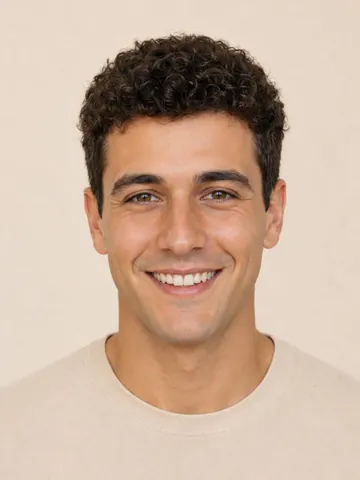
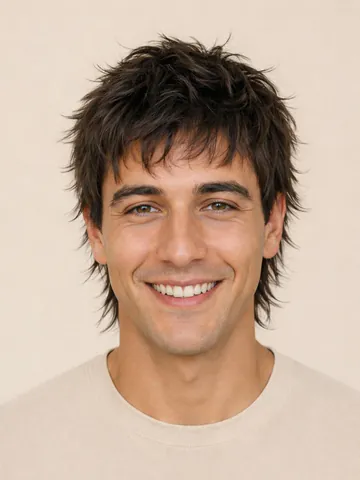
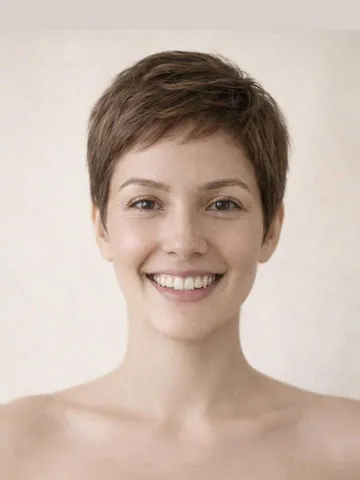
About Orange
Vivid orange requires lifting the hair to a light level. Because dark hair naturally reveals orange undertones during lightening, going orange can be easier than other fantasy colors. It’s applied with semi-permanent or permanent dye and needs regular refreshing.
It looks very vivid on warm and neutral undertones and blends naturally with freckles. With textured, bold cuts like a mullet, buzz cut or shag, it brings back ’70s and ’80s vibes, and on short curls it adds a warm glow between the curls.
What’s the difference between orange and copper?
Copper is more natural with brown reflections; orange is a brighter, more saturated fantasy shade. Try both on the same photo to compare.
How long does orange hair color last?
Longer with permanent dye, a few weeks with semi-permanent. Color-protecting care and cool water washes help it stay vivid.
How many credits does it take to try Orange in Mane?
Each CONFIRM costs 1 credit and creates one image. Picking options and browsing uses no credits; a credit is only used when you press CONFIRM, and it’s refunded automatically if the generation fails. You can combine a hairstyle, color and beard in the same CONFIRM. During the beta, credits are bought in the app and the same balance works on the web.
Try it on your own photo in 3 steps
Add your photo
Keep your face centered and well lit. Uploading a photo and picking options uses no credits.
Orange is preselected
The studio opens with this choice. Add a color, beard or smile if you like; everything is applied in the same try.
Press CONFIRM
Your result is usually ready in 10–30 seconds. Save your favorite, compare side by side or show it to your stylist.